
BloomKeeper Walkthrough: Restore Land and Protect Pouics
Guide fragile Pouics across Hedera to restore scorched land. Watch for terrain hazards and spreading scorched zones that can reclaim restored ground.
Jump to
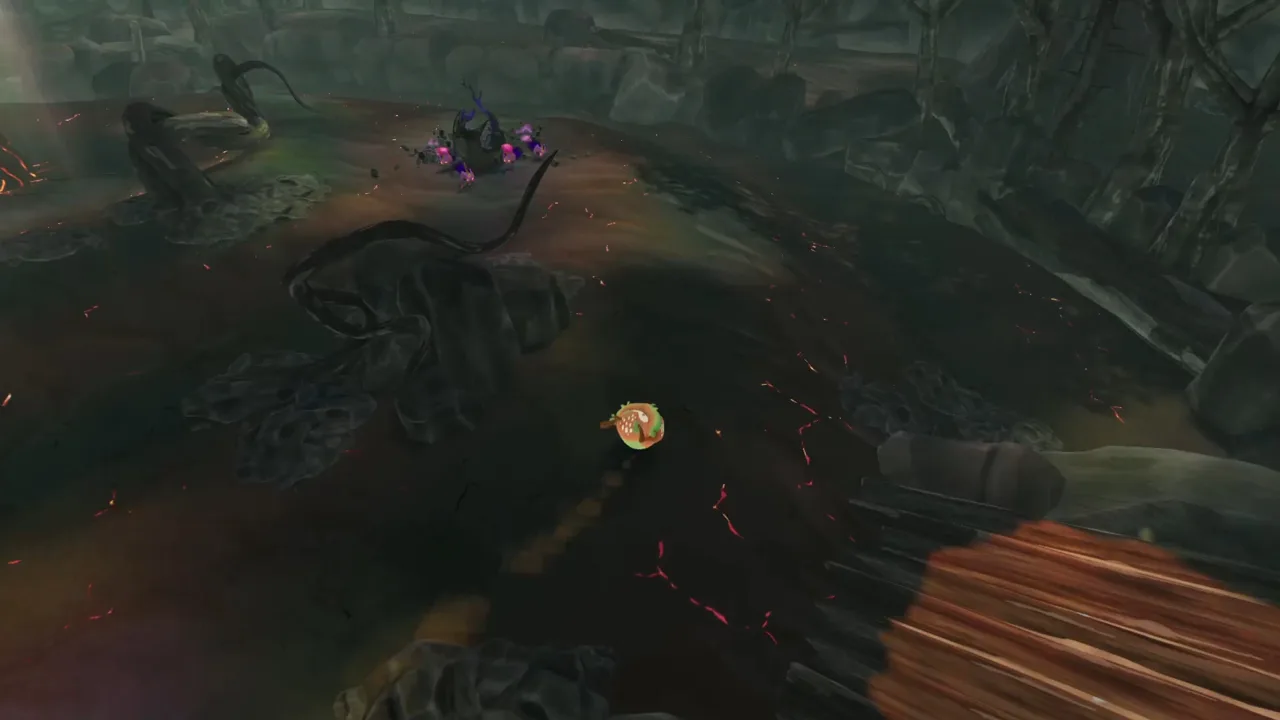
BloomKeeper Walkthrough: Your Goal in Each Region
A scorched path can undo the work you have already done, so restoring land is only part of your job in BloomKeeper. This BloomKeeper walkthrough explains how to guide Pouics through damaged regions, protect your growing colony, and push toward the source of the blight. The game combines exploration with real-time decisions: where you send your creatures affects both how quickly you make progress and what ground remains safe.
You play as the Guardian, guiding Pouics across the burned island of Hedera. They restore nature as they move through damaged terrain, but they are fragile and can wander into danger. Each region asks you to lead them toward important points and ultimately toward the burning rock at the heart of the disaster. Meanwhile, scorched zones spread and can reclaim ground you have restored.
| What you manage | Why it matters |
|---|---|
| Pouics | They restore the land and help you reach objectives, but need protection. |
| Key points | Reaching them helps your group advance through the region. |
| Scorched zones | They can spread across a level and threaten restored areas. |
| Terrain | Cliffs, lakes, and other hazards affect which routes are practical. |
| Corruption | Lost Pouics can become Malpouics, which spread the scorched zones. |
This BloomKeeper walkthrough follows the central rhythm: gather and guide your colony, make progress through the region, then respond when the terrain or spreading ash creates a new problem. You can advance without clearing every visible patch of scorched ground. Balance securing land with pushing toward where the scorching begins. Adapt your route to the threats in front of you.
Get Comfortable Guiding the Pouics
At the start of a level, take a moment to look around before sending your group onward in this BloomKeeper walkthrough. Identify the next visible objective, check for nearby hazards, and notice which paths appear to lead into safer ground. Pouics naturally move toward restoring nature, so your guidance helps channel that instinct toward the route and objectives you need.
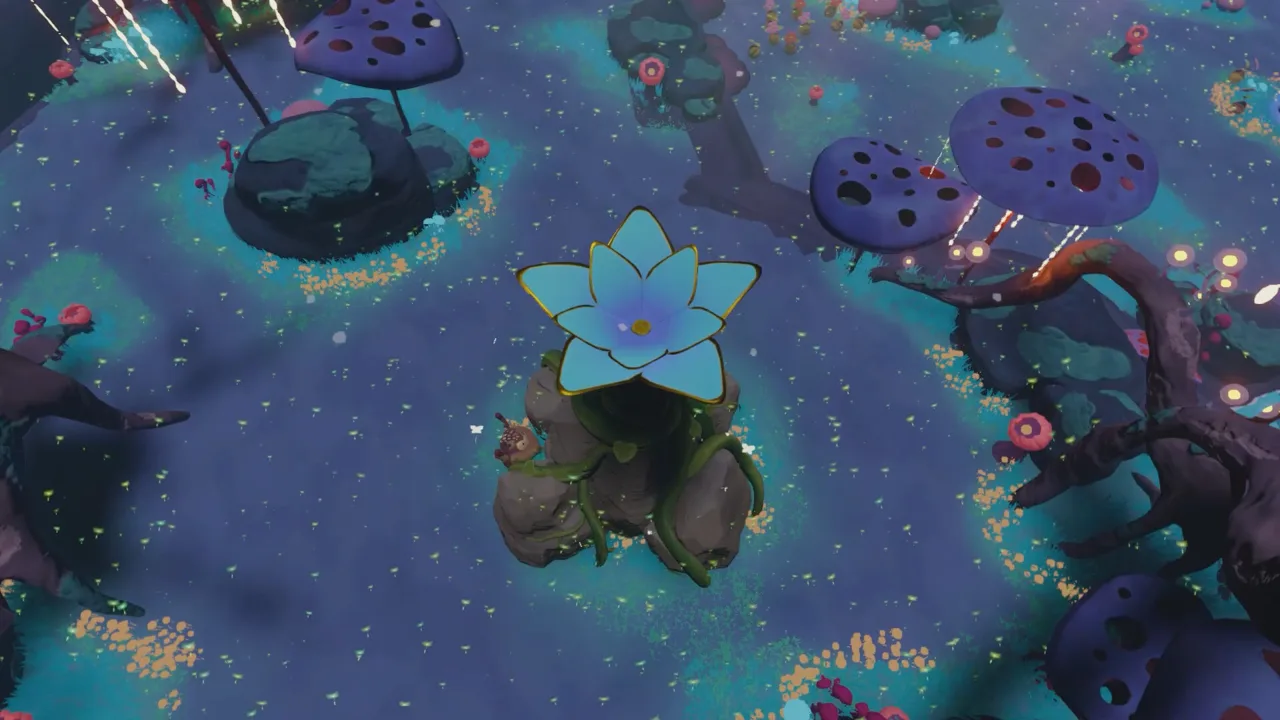 Image: Steam / Resonance Interactive
Roll the Guardian around the level to nudge groups in a direction. You can grab and throw Pouics later in your playthrough. Treat those actions as observed gameplay rather than a promise about exactly when a mechanic becomes available in every level. A complete control list is not specified here, so check the on-screen prompts for your platform instead of relying on guessed button names.
| Situation | A practical approach |
|---|---|
| The group is spread out | Guide nearby Pouics toward the route you want to take. |
| A group is drifting away from an objective | Use the available movement or gathering actions to redirect them. |
| A route passes near water or a cliff | Watch the group closely and steer around the hazard where possible. |
| Several routes are open | Consider which one helps you reach an objective while keeping the colony manageable. |
Guide a manageable group at a time. Steam notes that a large colony can save time but can also become difficult to control. If the group splits, pause your push toward the next objective and gather stragglers before the situation gets harder to manage.
Restore Key Points and Move Forward
Your route through a region is shaped by important points that help your colony advance in this BloomKeeper walkthrough. In earlier recorded playthroughs, players guide Pouics to seed-like objectives to open a path toward the next area. The Steam description also identifies key points and a burning rock at the center of the disaster. Together, these details suggest a useful general sequence: find a reachable objective, guide Pouics toward it, then reassess the newly available route.
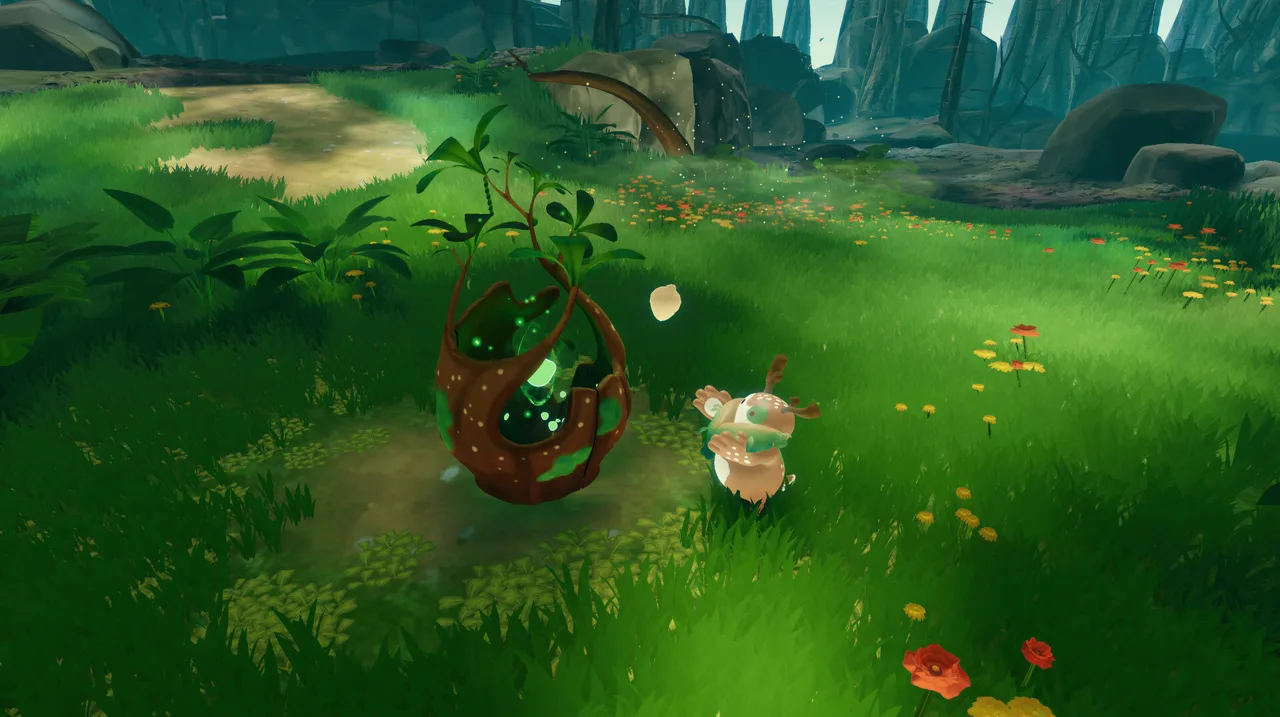 Image: Steam / Resonance Interactive
Avoid assuming that simply walking toward the farthest visible landmark is always the right move. Scorched zones grow more intense as you get closer to their origin. A route that looks direct may make it harder to protect your colony or hold ground behind you. Check whether nearby terrain offers cover or a safer path before committing your group.
| Step | What to do |
|---|---|
| 1. Read the area | Look for the next visible objective and nearby hazards. |
| 2. Choose a route | Pick a path that gives your group a practical way forward. |
| 3. Guide the Pouics | Channel them toward the objective and keep an eye on stragglers. |
| 4. Check the results | Look for changes to the route, terrain, or nearby threats. |
| 5. Reassess | Decide whether to secure the area or push toward the next objective. |
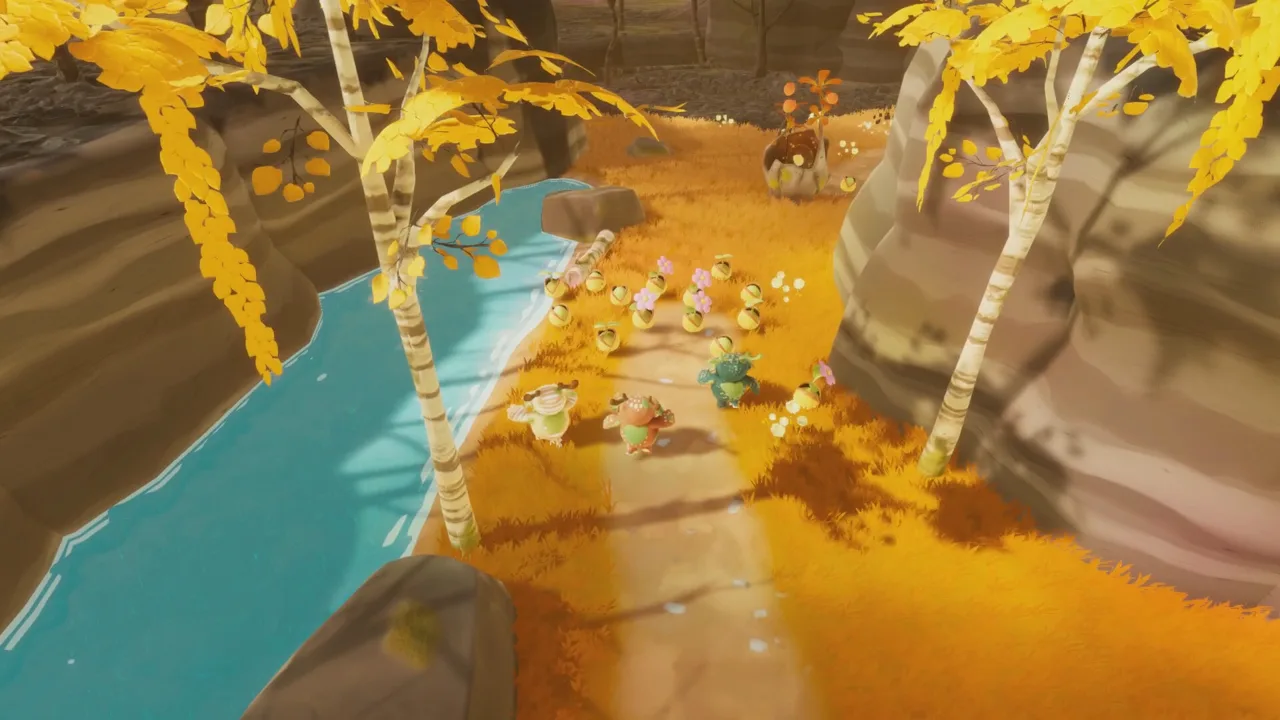
Regions change as the Pouics restore them, including water returning in one area. That is useful visual feedback, but do not treat one observed sequence as a fixed requirement for every level. Follow the game’s prompts and the state of the terrain in front of you.
Steam describes each restored area as a refuge, while the landscape beyond it remains at risk. Check how the ground behind your group is changing as you move toward an objective. If the route becomes harder to protect, consider whether a nearby point or safer stretch of terrain deserves attention before you press farther ahead. Restored areas can look different as the Pouics work. Use visible changes to reassess your route rather than assuming every region follows the same sequence.
Contain Scorched Ground and Corruption
BloomKeeper adds pressure by allowing scorched zones to spread while you work; this BloomKeeper walkthrough recommends watching both the route ahead and the ground behind your group. If you focus only on forward movement, you may leave the ground behind your group exposed. Stopping to secure every patch can lengthen your journey toward where the scorching begins. Weigh advancing with a larger colony against protecting progress more carefully.
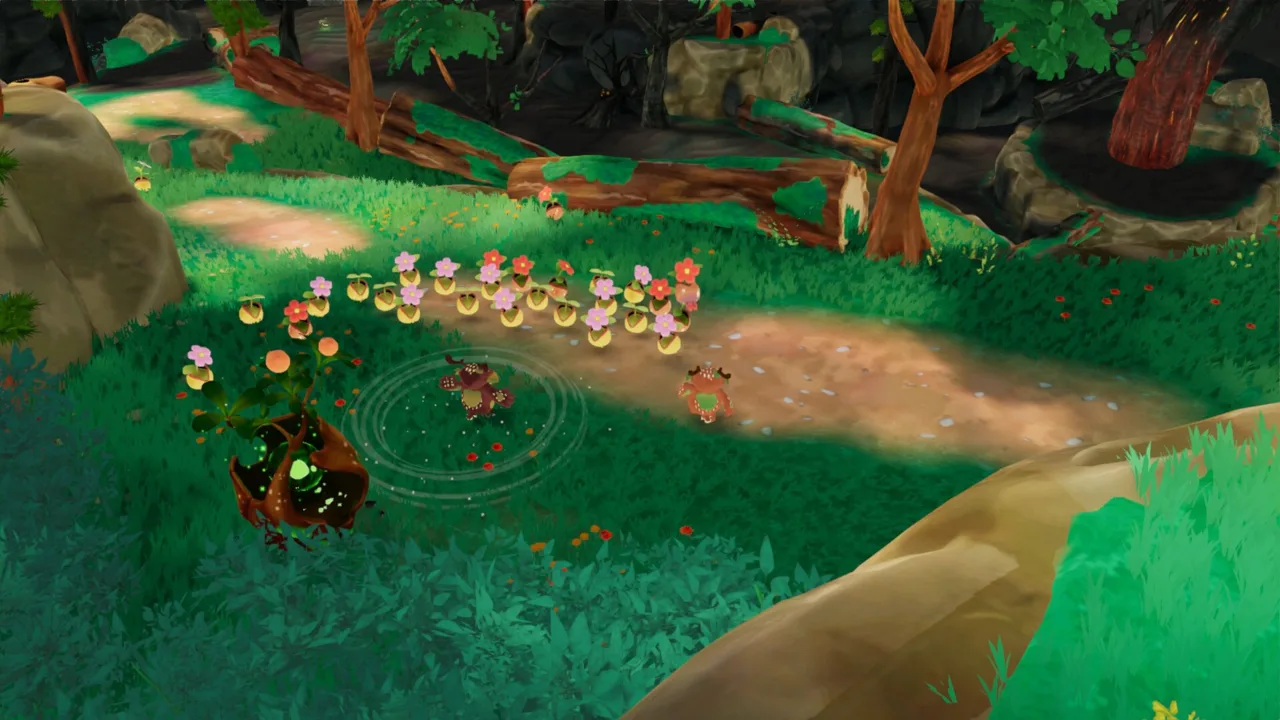 Image: Steam / Resonance Interactive
When you lose Pouics, the consequences can grow. Steam explains that corrupted Pouics give rise to Malpouics, which spread scorched zones. That makes protection part of your overall progress: keeping the group safe helps you preserve both your colony and the ground you have restored.
| Warning sign | Response to consider |
|---|---|
| Ash is spreading near your route | Recheck which objective you can reach safely and whether you need to secure nearby ground first. |
| The colony is scattered | Regroup before continuing toward the next challenge. |
| A hazard blocks a direct path | Look for another route through the terrain rather than forcing the group through it. |
| Corruption is threatening the colony | Contain the corruption at its origin and prevent further losses. |
Hostile Pouics can appear during a level; use the Guardian to run them over. The official description uses the name Malpouics for corrupted Pouics. Watch for the game’s prompts when these threats appear; no universal method or timing is confirmed for every encounter.
Use Terrain, Difficulty, and Co-op to Your Advantage
Terrain is part of the challenge, not just scenery in this BloomKeeper walkthrough. Steam lists cliffs, lakes, and hazards as factors that shape movement, and says the environment can slow the spread of scorched zones and shelter ground you have saved. Use what you can see: a safer route or protected area may be more valuable than the shortest line to an objective.
| Option | What is confirmed |
|---|---|
| Solo play | Steam describes a single-player mode. |
| Co-op | Steam lists online co-op for up to four players. |
| Controller | Steam says Xbox and PlayStation controllers are supported and recommends playing with a controller. |
| Difficulty | Choose Easy, Normal, or Challenging in the glade. |
In co-op, coordinate who is guiding the group and who is watching for hazards or spreading ash. That is practical advice based on the game’s stated emphasis on coordination, not a required role system. If you are playing alone, take the same approach yourself: alternate between moving the colony and checking the condition of the ground around it.
In an earlier playthrough, difficulty settings appeared in the glade. The complete menu flow is not specified here; use the game’s interface to locate the option in your current version.
The spread of scorched zones changes according to your progress, so each run can unfold differently. Exploration, guiding and managing Pouics, and real-time tactical decisions are parts of the experience. A practical way to use those details is to keep checking the colony’s position, the terrain, and the ash as you advance; those factors can change which objective or route makes sense next.
For current product details, supported features, and updates, visit the BloomKeeper Steam page.
FAQ
What is the goal of the BloomKeeper walkthrough?
Guide Pouics through the burned regions of Hedera, restore nature, protect your colony, and work toward the burning rock at the heart of the disaster.
How do I guide the Pouics in BloomKeeper?
Use the movement and guidance actions available in your game to channel them toward objectives. Player videos show rolling to nudge the group, and one later section demonstrates grabbing and throwing. Check the in-game prompts for exact controls.
Can I play BloomKeeper with friends?
Yes. Play in single-player mode or online co-op with up to four players.
What happens if Pouics become corrupted?
Corrupted Pouics can give rise to Malpouics, which spread scorched zones. Protecting your colony helps limit that threat and preserve your progress.
How many BloomKeeper levels are there?
They describe regions across Hedera and show the player moving from one area to another, but do not provide a complete level list.
What should I focus on in BloomKeeper levels?
Guide the Pouics toward key points while watching the terrain and the spread of scorched zones. Protecting the colony and securing restored land are parts of the same challenge.
Can I change the difficulty in BloomKeeper?
You can change difficulty while in the glade, choosing from Easy, Normal, and Challenging.
Continue with
BloomKeeper Controls: Nudge, Throw, and Roll ExplainedLearn BloomKeeper controls for nudging, grabbing, throwing, and rolling. Understand controller prompts and guide Pouics safely across the island of Hedera.More in Guides

BloomKeeper How Long to Beat: Story Length and Tips
BloomKeeper how long to beat: plan around a reported 10-hour story run, understand difficulty and co-op limits, and get practical Pouic herding tips today.

BloomKeeper Restore Nature: Seeds, Threats, and Tips
Learn BloomKeeper restore nature basics, guide creatures toward seeds, handle hostile creatures, and follow practical tips from a player's early gameplay.
BloomKeeper Beginner Guide: Herd Pouics and Revive Land
Learn the basics of BloomKeeper, from guiding Pouics and using guardian abilities to handling corruption, reading terrain, and choosing your difficulty.
BloomKeeper Difficulty: Pouic Risks and Gameplay Guide
Learn what shapes BloomKeeper difficulty, from fragile Pouics and spreading scorched zones to terrain hazards, restored regions, and co-op decisions.
Join the community
Official channels for news, updates and player help: