
BloomKeeper Pouics: Gameplay and Nature Restoration Guide
Restore trees and bring water back in BloomKeeper Pouics. Explore nature-restoration puzzles, modes, difficulty, and progression as the landscape changes.
Jump to
What Is BloomKeeper?
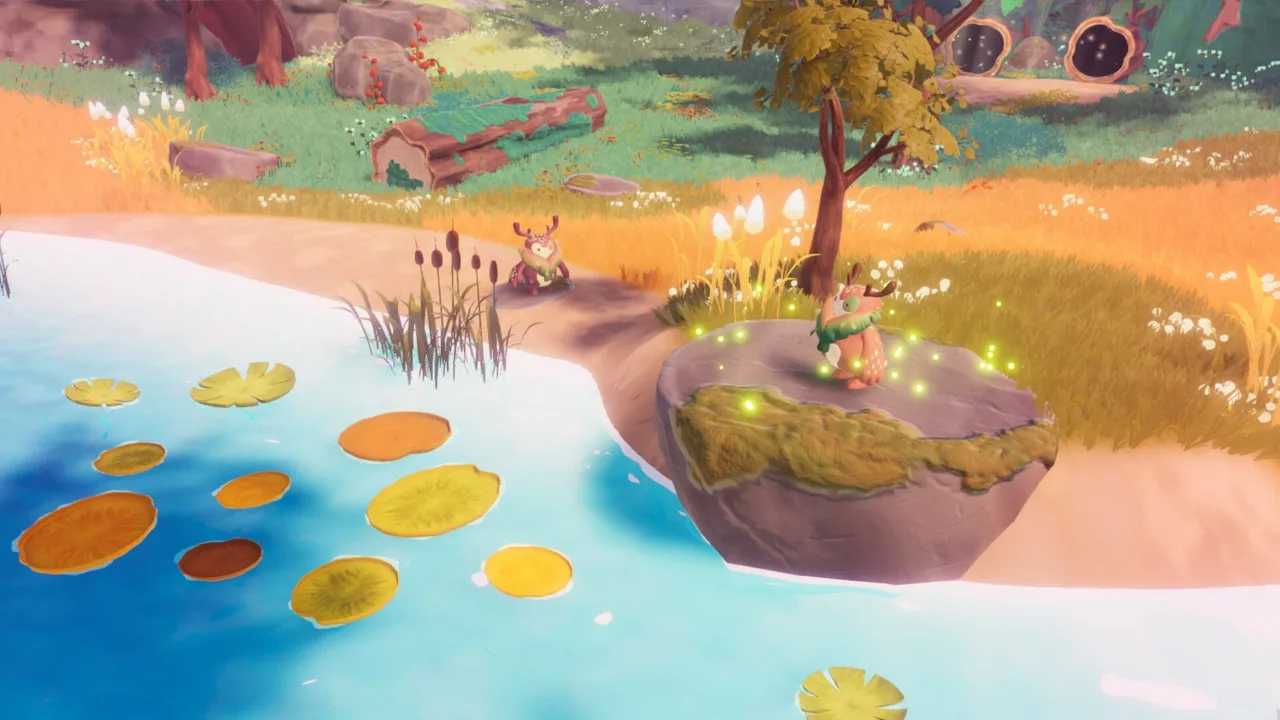
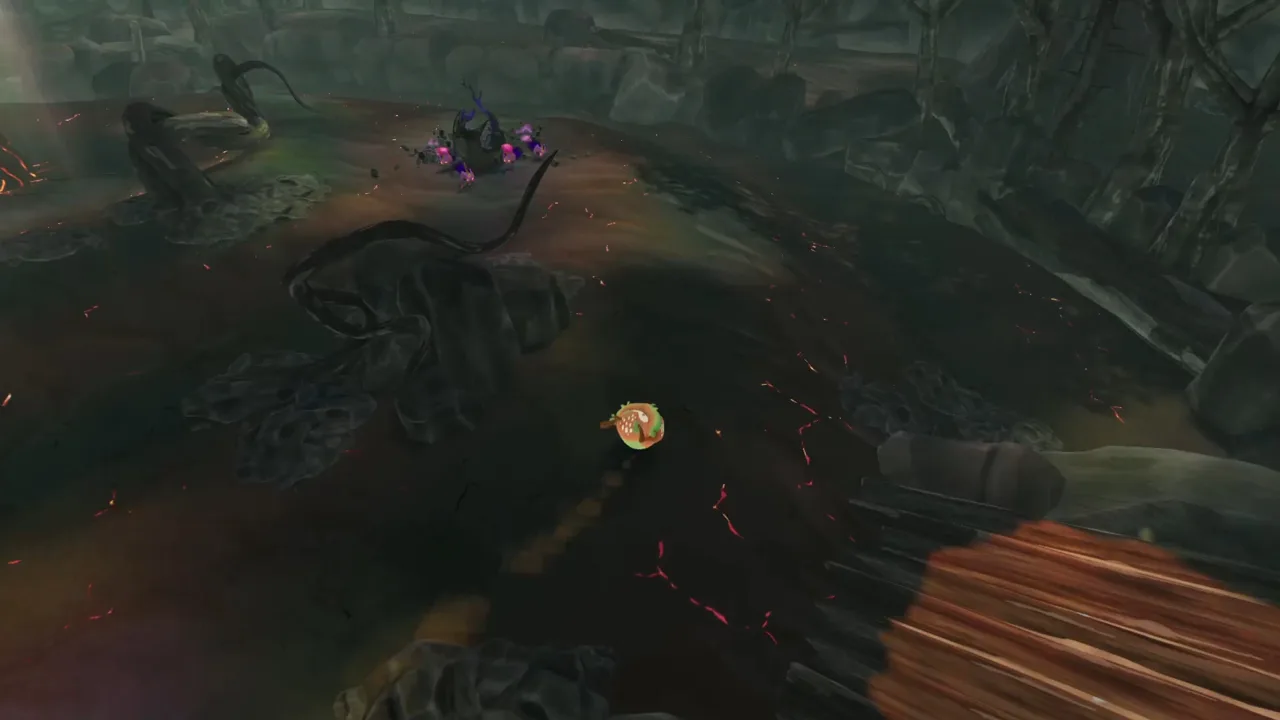
A scorched landscape, a handful of tiny creatures, and a rolling guardian set the scene in BloomKeeper. If you’re looking up BloomKeeper Pouics, this guide explains what the game’s restoration-focused puzzles look like in practice and what to expect from the areas shown. BloomKeeper Pouics matters to players curious about how its nature-restoration gameplay works before they decide whether to try it.
You move by rolling and nudge small creatures called “tweaks” toward scorched ground, seeds, and other parts of the environment. The landscape changes as you play, with trees being repaired and water returning. Hostile creatures appear later in the peaceful-looking scenery.
| At a glance | Observed first-look gameplay |
|---|---|
| Core activity | Roll around and guide small creatures toward parts of the environment |
| Visual setting | Autumn-colored scenery, scorched ground, seeds, trees, water, and lava-like hazards |
| Controller use | PlayStation and Xbox controllers are supported. |
| Difficulty options mentioned | Easy, Normal, and Challenging; change the setting in the glade |
| Steam availability mentioned | A community post says a free demo is available on Steam |
These are observations from one first-look playthrough, not a complete account of every area or possible interaction. For a closer look, watch the BloomKeeper first-look gameplay video.
Official page: store.steampowered.com
How the Restoration Gameplay Works
The main interaction shown is to move the rolling character near the tweaks and steer them toward parts of the environment. The creatures move around on their own, while the guardian’s pushes influence where they go. Groups gather near seedlings or seeds, and the environment changes as the player continues through an area.
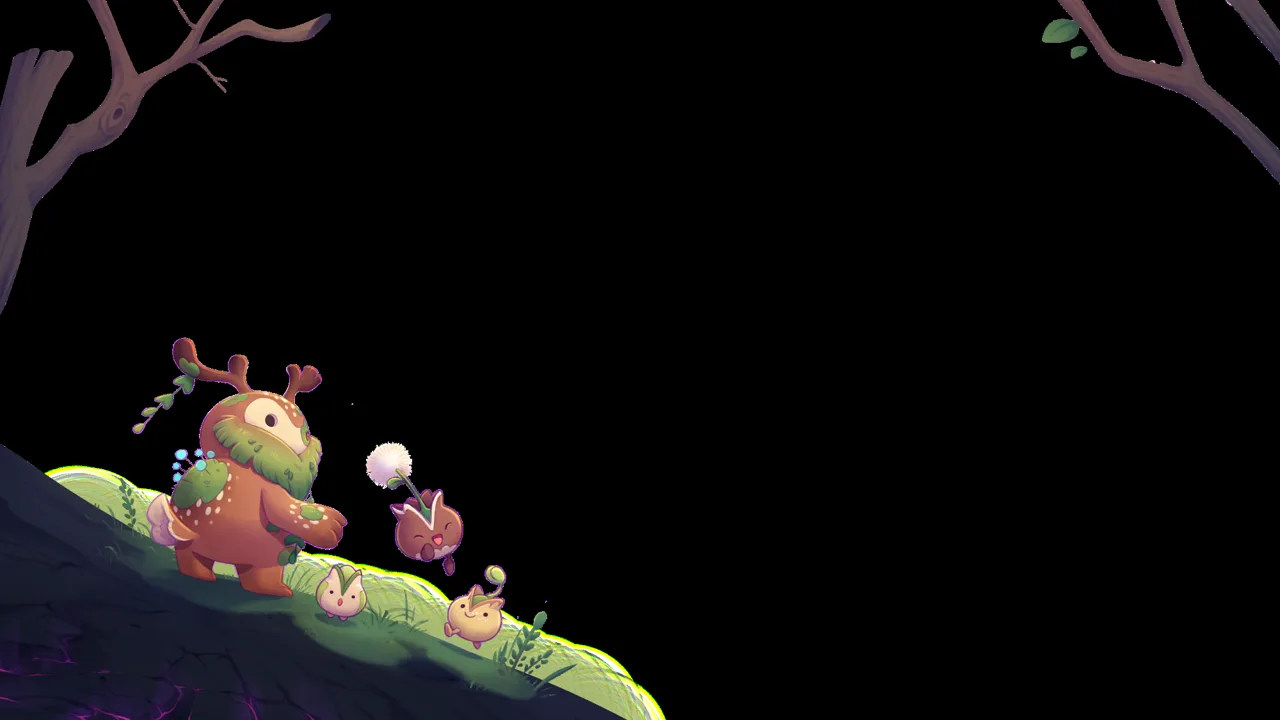 Image: resonance-interactive.com
That mix of indirect guidance and wandering movement is central to BloomKeeper Pouics. Instead, the player positions the guardian and nudges the group in a direction. In that playthrough, tweaks sometimes take their own paths, so a useful tip is to watch where they’re heading before trying to redirect them.
| What Happens | What the player observes |
|---|---|
| The guardian rolls near a group | The player can push tweaks toward another part of the area |
| Tweaks reach scorched ground | They restore scorched earth. |
| Tweaks gather near seedlings or seeds | The player guides groups toward these spots |
| A route opens | The player proceeds into another section |
| The guardian rolls into certain objects | Peaks can be knocked down this way; tweaks that enter water turn into lily pads |
As a general approach, notice where the tweaks are moving and try nudging them in a different direction if you want to guide them elsewhere. If the group starts drifting away, repositioning the rolling character may help steer it back.
Movement can also lead to playful interactions with the creatures. The player accidentally rolls over some tweaks and sees them turn into flowers. In another observed interaction, tweaks entering water turn into lily pads.
Seeds, Obstacles, and Changing Areas
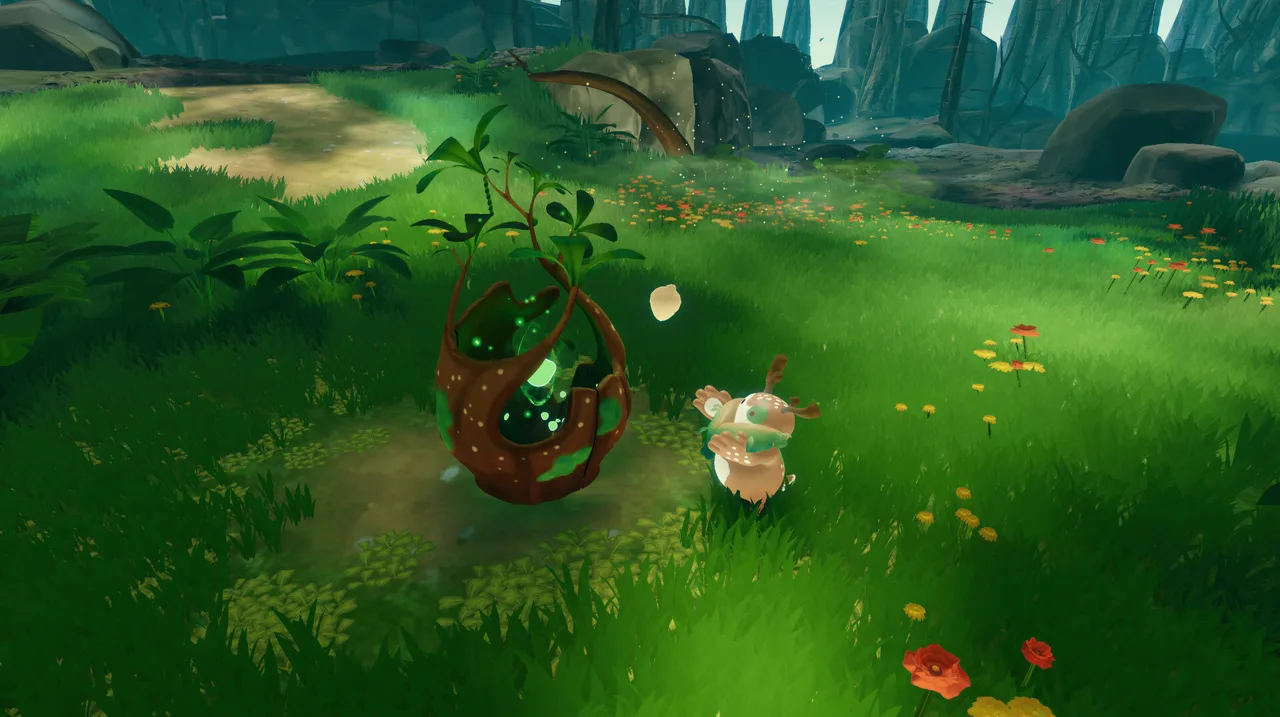
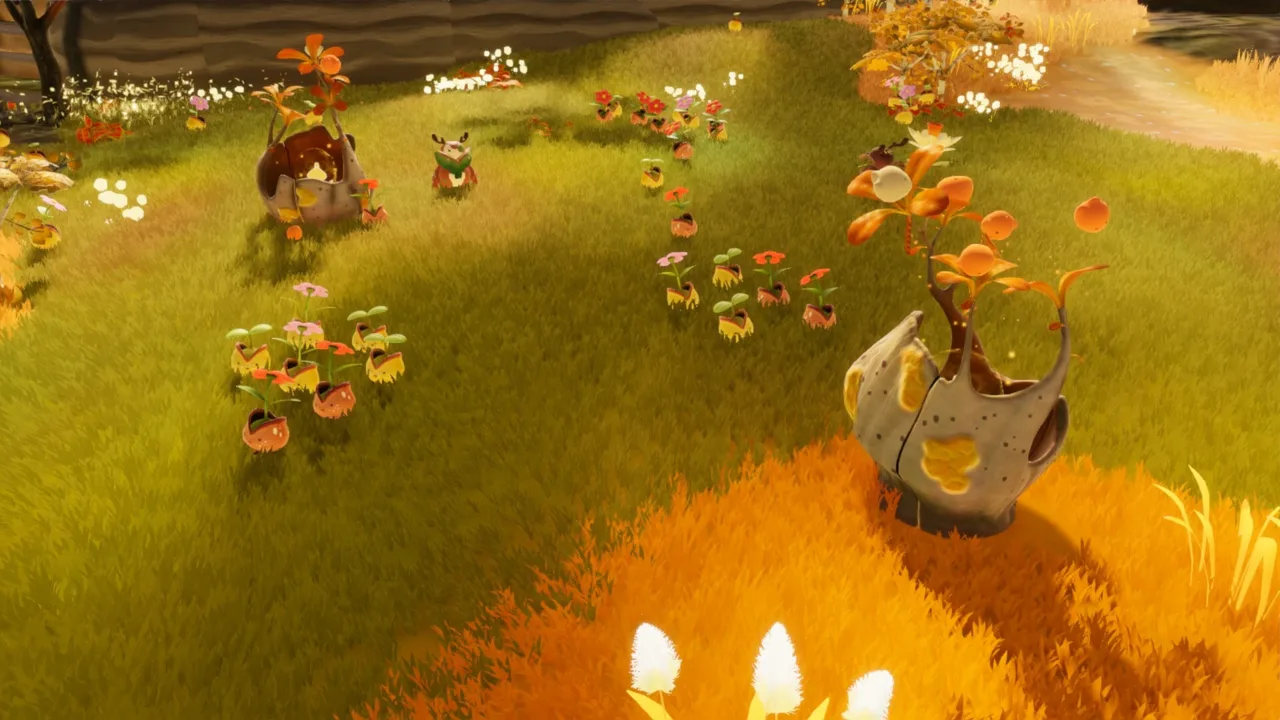
Seeds appear to be useful landmarks during the recorded playthrough of BloomKeeper Pouics. You guide tweaks toward them, and the group reaches a seed. Later, a corrupted seed is described as transforming a “mal” into a tweak.
 Image: resonance-interactive.com
The environment changes during the recorded playthrough. The player observes trees being repaired, new paths opening, and water reappearing in one area. Near the end of the section, the player approaches a glowing rock and sees it heal. The video continues with more gameplay afterward, so it doesn’t establish that healing the rock completes the level or triggers a transition to a world map.
| Feature | What the player observes |
|---|---|
| Seeds | Groups of tweaks gather around them |
| Scorched ground | The player guides tweaks toward it to restore the land |
| Trees | The player observes trees being repaired |
| Peaks | The player can knock them down by rolling into them |
| Water | Tweaks that enter it become lily pads |
| Glowing rock | The player sees it heal near the end of the recorded section |
A useful tip is to look around the visible area before focusing on a particular route. Tweaks move in different directions and sometimes join up. Track their positions to decide where to guide them. If a route looks blocked, try nudging a group toward another visible part of the area.
The player also encounters a lava-like hazard and a rock that lights up as the group approaches it. The creator wonders what the rock will do, then later describes it as healed.
Difficulty, Multiplayer, and the Overall Feel
 Image: resonance-interactive.com
BloomKeeper Pouics has three difficulty settings: Easy, Normal, and Challenging. In the first-look playthrough, the setting could be changed while in the glade; check the menu in your version.
Multiplayer is available. They wonder how two characters might work together, leaving questions about cooperative roles and how multiplayer changes the puzzles unanswered. You can use PlayStation and Xbox controllers.
| Option or impression | Playthrough observations |
|---|---|
| Easy | Available setting |
| Normal | Available setting |
| Challenging | Available setting |
| Multiplayer | Reported as a feature, but not shown in the recording |
| Controller use | Play with a PlayStation controller or an Xbox controller |
Autumn-colored scenery, expressive creature animations, and music set the tone. The music changes during play. The peaceful look is interrupted by hostile creatures later in the recording, where the player runs them over as part of the gameplay.
A community post by artist Julia Koerner says a free Bloomkeeper demo is available on Steam. The artist calls the project whimsical and nature-centered, which is an individual impression rather than a full gameplay review. Check Steam for current demo access details.
Tips for Your First Area
The footage offers a few practical ideas for getting oriented without assuming there’s only one correct way to play:
- Watch where tweaks are already moving. They wander on their own, and the guardian can nudge them in a different direction.
- Notice seeds and seedlings. Guide groups toward them. A corrupted seed transforms a “mal” into a tweak.
- Pay attention to environmental changes. The footage includes repaired trees, returning water, and opened paths.
- Try rolling into a peak. An earlier demo player knocks peaks down this way; check your version’s behavior.
- Observe what happens around water. Tweaks that enter water turn into lily pads.
In BloomKeeper Pouics, a practical tip is to observe how the tweaks respond when you nudge them, then adjust your position if you want to steer them elsewhere. They wander, and the guardian can influence their direction.
FAQ
What do you do in BloomKeeper?
You roll around as a guardian and guide small creatures called tweaks toward parts of a damaged environment. Tweaks restore scorched earth as you steer them around the area.
Does BloomKeeper have multiplayer?
Multiplayer is available. That first-look session did not demonstrate how characters coordinate in multiplayer.
What difficulty settings does BloomKeeper have?
Choose Easy, Normal, or Challenging, and change the setting in the glade. It doesn’t identify which setting was used during the recorded gameplay.
Is there a free BloomKeeper demo?
A community post says a free BloomKeeper demo is available on Steam. Check Steam for current demo availability. BloomKeeper Pouics readers can use the post as a lead and verify current access on Steam.
Continue with
 BloomKeeper Cold Areas: How to Keep Your Pouics MovingBloomKeeper cold areas can stop your Pouics in their tracks. Learn how to plan routes, manage your colony, and handle Hedera's environmental hazards.
More in Features
BloomKeeper Guardian Abilities: Nudge, Throw, and Roll
Master BloomKeeper Guardian abilities with practical tips for nudging, throwing, rolling, gathering Pouics, and protecting Hedera in solo or online co-op.
BloomKeeper Neutralizing Malpouic Flowers: Field Guide
BloomKeeper neutralizing Malpouic flowers: learn how spawning threats work, protect your Pouics, reclaim scorched ground, and coordinate your co-op team.
BloomKeeper Planting Seeds: Grow and Protect Hedera
Master BloomKeeper planting seeds with tips for guiding Pouics, reviving trees, handling water, and protecting restored land from spreading scorched zones.
BloomKeeper Restoring Lakes: Keep Hedera Flourishing
BloomKeeper restoring lakes helps bring Hedera back to life. Learn to guide Pouics, protect water, and stop Malpouics from undoing your restoration work.
Join the community
Official channels for news, updates and player help: