
BloomKeeper Restoring Lakes: Keep Hedera Flourishing
BloomKeeper restoring lakes helps bring Hedera back to life. Learn to guide Pouics, protect water, and stop Malpouics from undoing your restoration work.
Jump to
How Restoring Lakes Works in BloomKeeper
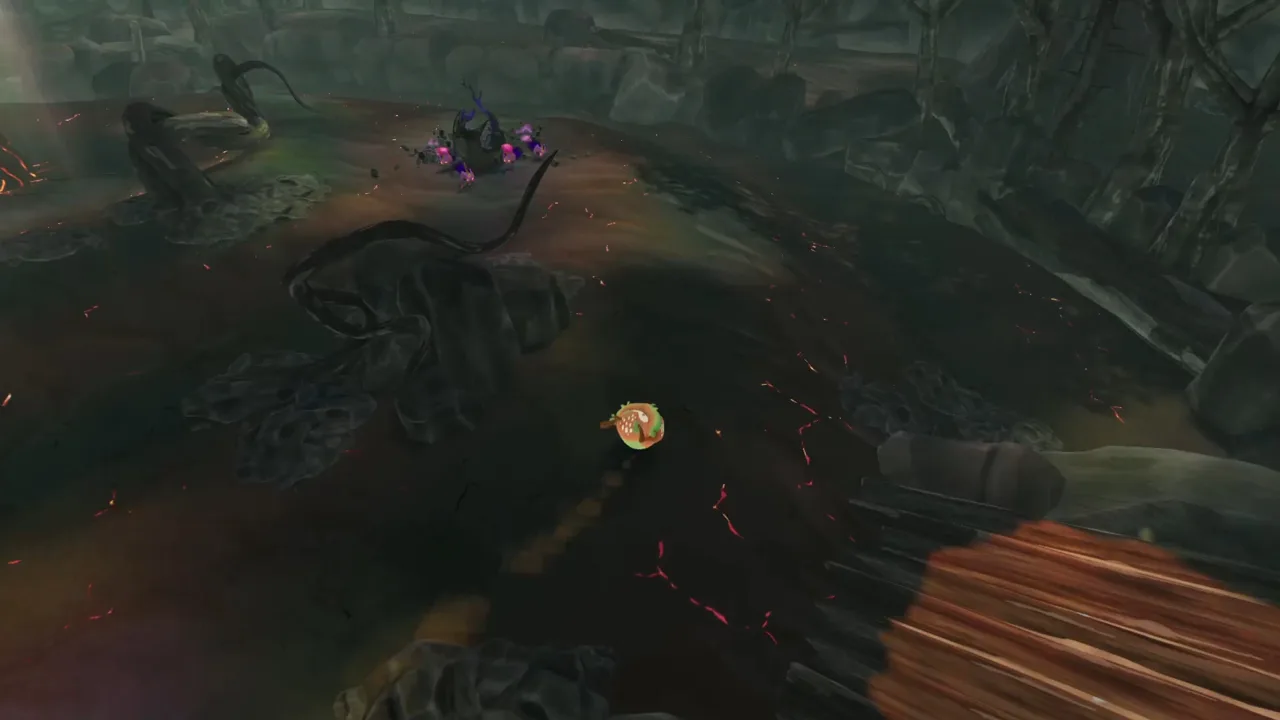
A lake can bring a wide stretch of burned Hedera back into bloom, making your BloomKeeper restoring lakes strategy worth planning before you move the colony. Guide Pouics toward the lake to help restore its water and surrounding vegetation, then protect that recovery from Malpouics. Successful BloomKeeper restoring lakes play combines careful herding with attention to the threats that can drain the water again.
You play as the Guardian, guiding curious seed creatures across an island consumed by ash. Pouics restore life as they travel and take root, while the Scorched Lands continually threaten to reclaim their work. Lakes connect those systems: they support restoration across the surrounding landscape, but they also create terrain you must navigate carefully.
Think about the lake and its approaches together. Bringing water back helps the landscape recover; keeping the colony organized lets you continue toward the next objective.
| Lake mechanic | What happens | Your task |
|---|---|---|
| Restoration | Lakes help vegetation return across a large surrounding area | Guide Pouics toward the lake |
| Malpouic interference | Malpouics can cause lakes to lose all their water | Address threats around the restored area |
| Pouics in water | Pouics can become lily pads | Watch where your moving colony is heading |
| Surrounding corruption | Scorched terrain can spread back into reclaimed ground | Inspect the area before moving on |
That combination makes lakes useful places to reassess your route. Look beyond the water itself: nearby Pouicus, narrow crossings, and hostile flowers all affect what you can accomplish next.
Prepare the Colony Before Approaching the Water
Your BloomKeeper restoring lakes plan begins with the Pouics you bring to the shoreline. They are autonomous creatures, so movement depends on guiding them through the environment rather than issuing precise commands to individual units.
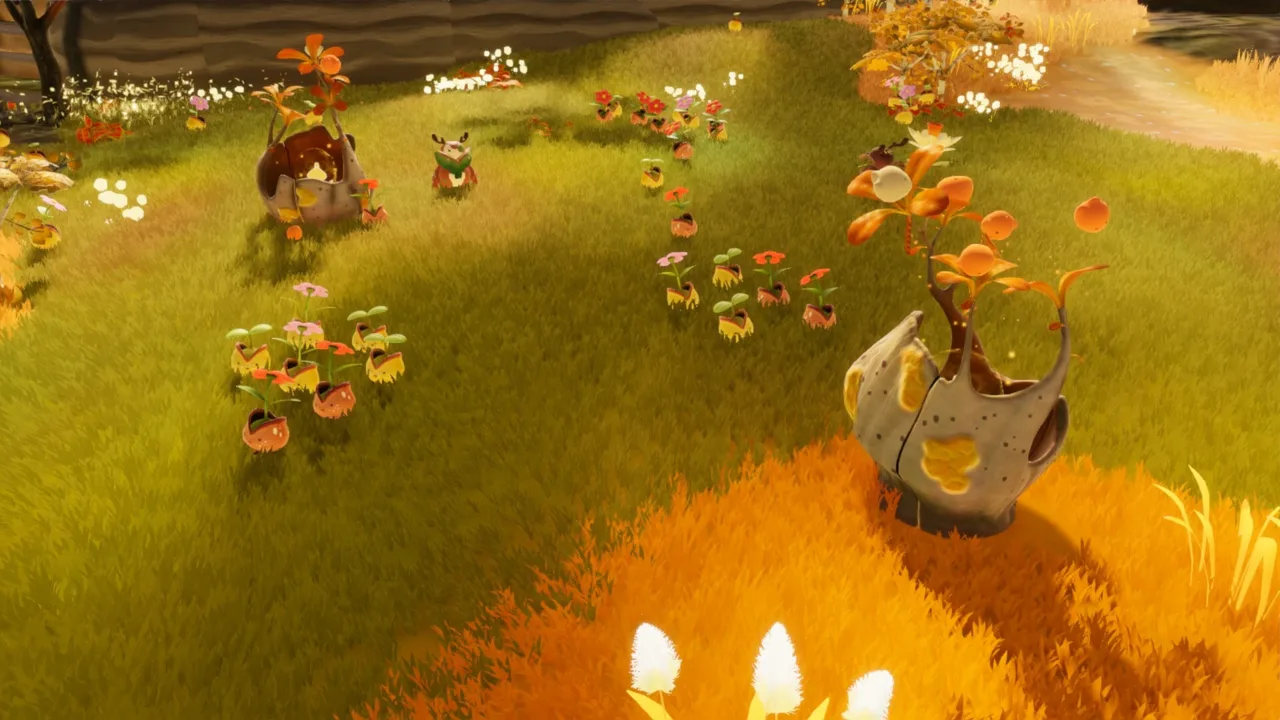
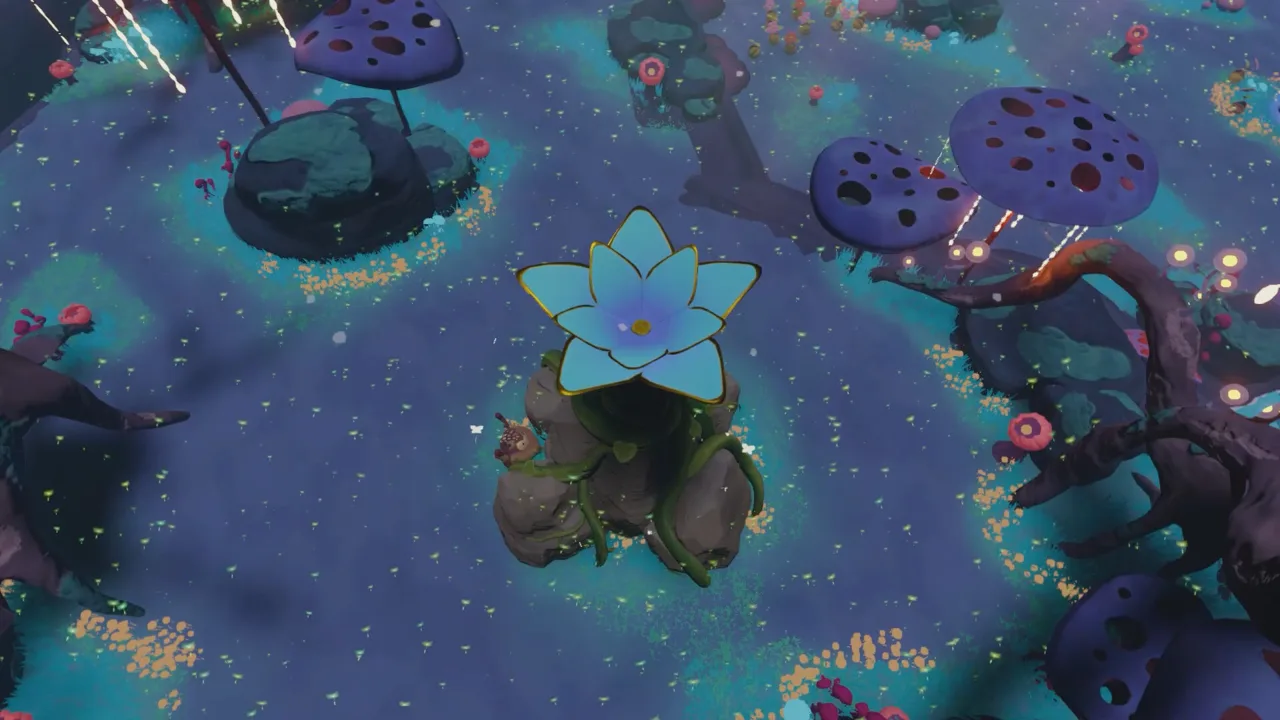 Image: Steam / Resonance Interactive
A larger colony can restore more land and accelerate progress, but it also takes more attention to manage. Near water, that trade-off becomes especially noticeable. A group that spreads comfortably across open ground can become difficult to guide along a confined approach.
Gather Pouics and Read the Route
Pouics grow from Pouicus. Shaking a Pouicus awakens more of them, and rolling into one knocks Pouics down for you to gather. Restoring scorched terrain also reveals additional Pouicus as Hedera recovers.
Before approaching a lake:
- Gather nearby Pouics instead of chasing scattered individuals across several hazards.
- Inspect the approach for cliffs, bridges, and obstacles.
- Watch for environmental forces that can redirect the colony.
- Identify nearby Malpouic Flowers before committing your attention to the water.
Wind, butterflies, and bump mushrooms can disrupt movement. Keep those features in view when choosing where to gather the group.
Use the Guardian’s Abilities Deliberately
The Guardian can nudge Pouics, grab and throw them, and roll across Hedera. Each interaction has a practical role, but rolling through the colony also plants Pouics.
| Guardian interaction | Supported function | Tip near a lake |
|---|---|---|
| Nudge | Guides Pouics in a direction | Redirect approaching Pouics before they scatter along the shore |
| Grab & Throw | Helps Pouics overcome obstacles and reach new places | Check the landing area before throwing |
| Roll | Moves the Guardian quickly | Watch for Pouics directly in your path |
| Roll into a Pouicus | Knocks Pouics down | Gather the new arrivals before leading them onward |
| Roll over a Malpouic | Plants the Malpouic | Respond to nearby threats while watching the colony |
Avoid rolling through a group you intend to keep moving. The “Tumble roll” achievement specifically involves planting a Pouic by rolling over it, so the movement shortcut has a direct effect on your available herd.
Build a BloomKeeper Restoring Lakes Routine
Use a repeatable routine to keep lake restoration manageable. The following sequence organizes the game’s existing mechanics into practical decisions; it does not depend on a particular map layout or an exact Pouic count.
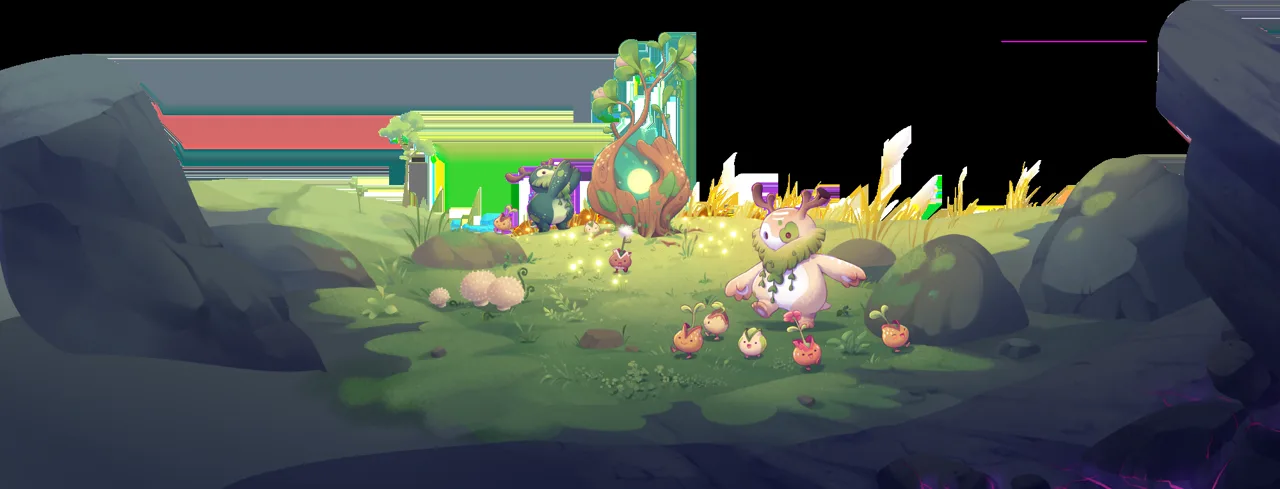 Image: resonance-interactive.com
1. Inspect the Lake and Its Surroundings
Locate the water feature, the nearby scorched ground, and the route toward your next objective. Look for Malpouics and flowers that continuously produce them.
Inspect nearby crossings as well. Restoring the lake and transporting a colony past it are connected tasks, and a narrow route deserves attention before the herd arrives.
2. Address Immediate Threats
Roll over approaching Malpouics to plant them. If a Malpouic Flower is feeding more threats into the area, work on neutralizing it rather than spending all your attention on individual arrivals.
Keep the colony in view while doing this. Pouics remain curious and mobile, so leaving them near a hazardous edge creates another problem to manage.
3. Guide Pouics Toward the Lake
Use nudges to direct the group toward the restoration area. Use Grab & Throw when an obstacle calls for moving Pouics into a different position.
Watch the landscape as you advance. Lake restoration can bring water back and restore vegetation across a broad surrounding area. Pouics entering water can become lily pads, linking their seed-like nature to the recovering environment.
4. Check the Approaches After Restoration
Once the lake recovers, inspect nearby scorched patches and hostile activity. Small areas of remaining corruption can spread again, so avoid judging the entire shoreline by one green section.
For BloomKeeper restoring lakes, the follow-up matters as much as the initial transformation. Check whether threats are still approaching and whether the colony has scattered while you were watching the water return.
5. Regroup Before Moving On
Gather the Pouics needed for the next stretch and choose a route that accounts for the restored water. Recheck bridges and exposed edges before sending a large group forward.
Do not expect every Pouic to remain aligned after one nudge. Continue watching their direction, especially where environmental features influence movement.
Protect the Lake From Returning Corruption
Restoration changes the map, but the Scorched Lands keep advancing. Areas you have already brought back to life can come under pressure again, forcing you to choose between continuing forward and protecting your progress.
 Image: Steam / Resonance Interactive
That tension sits at the center of BloomKeeper restoring lakes decisions. A restored lake contributes to the surrounding recovery, while Malpouics can undo its water supply. Protecting the lake therefore involves the threats and terrain around it.
| Threat | Effect on your progress | Response to practice |
|---|---|---|
| Malpouics | Spread scorched terrain and can interfere with lakes | Plant nearby Malpouics by rolling over them |
| Malpouic Flowers | Continuously spawn Malpouics | Find a way to neutralize the flower |
| Remaining scorched patches | Allow corruption to spread again | Inspect overlooked ground around your route |
| Wind and butterflies | Can push Pouics toward water or cliffs | Watch the colony while passing exposed terrain |
| Bump mushrooms | Send Pouics flying | Check their position before guiding the herd nearby |
Deal With the Cause of Repeated Setbacks
If threats keep arriving from the same flower, turn your attention to that flower. Repeatedly planting individual Malpouics leaves the spawning problem active.
Apply the same attention to scorched terrain. Check behind obstacles and along the route you used to approach the lake. A missed patch can force you to return after the surrounding area starts changing again.
Balance Security With Forward Progress
Every restored patch competes for your attention with the next objective. The environment grows more dangerous as you approach the source of corruption, and spending too long on one problem leaves others developing elsewhere.
Reassess after each meaningful change. When the lake recovers, look at the colony, nearby threats, and the next route together. If Malpouics are already returning, respond before moving the herd farther away.
Preserve your Pouicus, too. They provide the Pouics needed to continue restoring Hedera, connecting the safety of your colony’s starting points with your ability to push forward.
Handle Crossings, Co-op, and Lake Problems
Water has two roles in BloomKeeper: it supports regrowth and complicates movement. Pouics can take root in water as lily pads, but maintaining a mobile colony still requires careful guidance around shorelines and crossings.
Keep your BloomKeeper restoring lakes strategy focused on the next task. After recovering the environment, you still need to move Pouics toward important locations and eventually the source of the scorched terrain.
Guide the Crossing Before Chasing Stragglers
Watch the leading group as it approaches a bridge or exposed path. Redirect Pouics while they are still on the approach, and inspect the destination before throwing any across an obstacle.
Avoid dividing your attention between distant groups during a difficult crossing. Gather nearby stragglers before beginning the next push, then follow the colony’s movement rather than assuming its direction will hold.
Divide Responsibilities in Co-op
BloomKeeper supports solo play and online co-op for up to four players. Multiplayer challenges adapt to the number of players, so coordination remains necessary even with more Guardians available.
Discuss responsibilities before approaching the lake. Assign attention to gathering Pouics, guiding the route, and handling Malpouics. Keep one another informed when the colony changes direction or threats return.
| Play option | Relevant feature | Planning tip |
|---|---|---|
| Solo | One Guardian manages the colony and threats | Keep the active group and immediate hazards in view |
| Online co-op | Supports up to four players with adapting challenges | Divide attention between herding and protection |
| Difficulty options | Include Easy, Normal, and Challenging | Choose the level of pressure you want |
| Malpouic setting | Malpouics can be disabled | Use the option for a more relaxed restoration experience |
Check the Version When a Lake Misbehaves
Hotfix 1.0.4 fixed a lake bug in “The Cave” and made a major correction to Pouic orientation when landing. Update the game before retrying a problem in that map or struggling with landing behavior addressed by the patch.
For a low-commitment introduction, download the BloomKeeper demo on Steam. The October 9 demo includes the tutorial and two maps. Demo players can cooperate with other demo players; multiplayer between the demo and full game is unavailable.
FAQ
What is the main goal of BloomKeeper restoring lakes?
Restore the lake to help vegetation return across a large surrounding area, then protect it from Malpouics that can drain its water. Keep guiding your colony toward the region’s remaining objectives.
Can Malpouics empty a restored lake?
Yes. Malpouics can cause a lake to lose all its water. Address nearby Malpouics and flowers that continuously spawn them while protecting the surrounding restored ground.
What happens when Pouics enter water?
Pouics can become lily pads. Watch the shoreline and guide your remaining mobile colony toward the route you want it to follow.
Which update fixed the lake in The Cave?
Hotfix 1.0.4 fixed a lake bug in “The Cave.” The same update also corrected Pouic orientation when landing and improved Guardian tunnel entrances.
Continue with
 BloomKeeper Reviving Dead Trees: Open Blocked PathsMaster BloomKeeper reviving dead trees with Pouic herding tips, obstacle strategies, and ways to protect restored ground. Bring Hedera back to life today.
More in Features
BloomKeeper Cold Areas: How to Keep Your Pouics Moving
BloomKeeper cold areas can stop your Pouics in their tracks. Learn how to plan routes, manage your colony, and handle Hedera's environmental hazards.
BloomKeeper Guardian Abilities: Nudge, Throw, and Roll
Master BloomKeeper Guardian abilities with practical tips for nudging, throwing, rolling, gathering Pouics, and protecting Hedera in solo or online co-op.
BloomKeeper Neutralizing Malpouic Flowers: Field Guide
BloomKeeper neutralizing Malpouic flowers: learn how spawning threats work, protect your Pouics, reclaim scorched ground, and coordinate your co-op team.
BloomKeeper Planting Seeds: Grow and Protect Hedera
Master BloomKeeper planting seeds with tips for guiding Pouics, reviving trees, handling water, and protecting restored land from spreading scorched zones.
Join the community
Official channels for news, updates and player help: